

Adobe Firefly
Commercially safe AI image generator from Adobe.
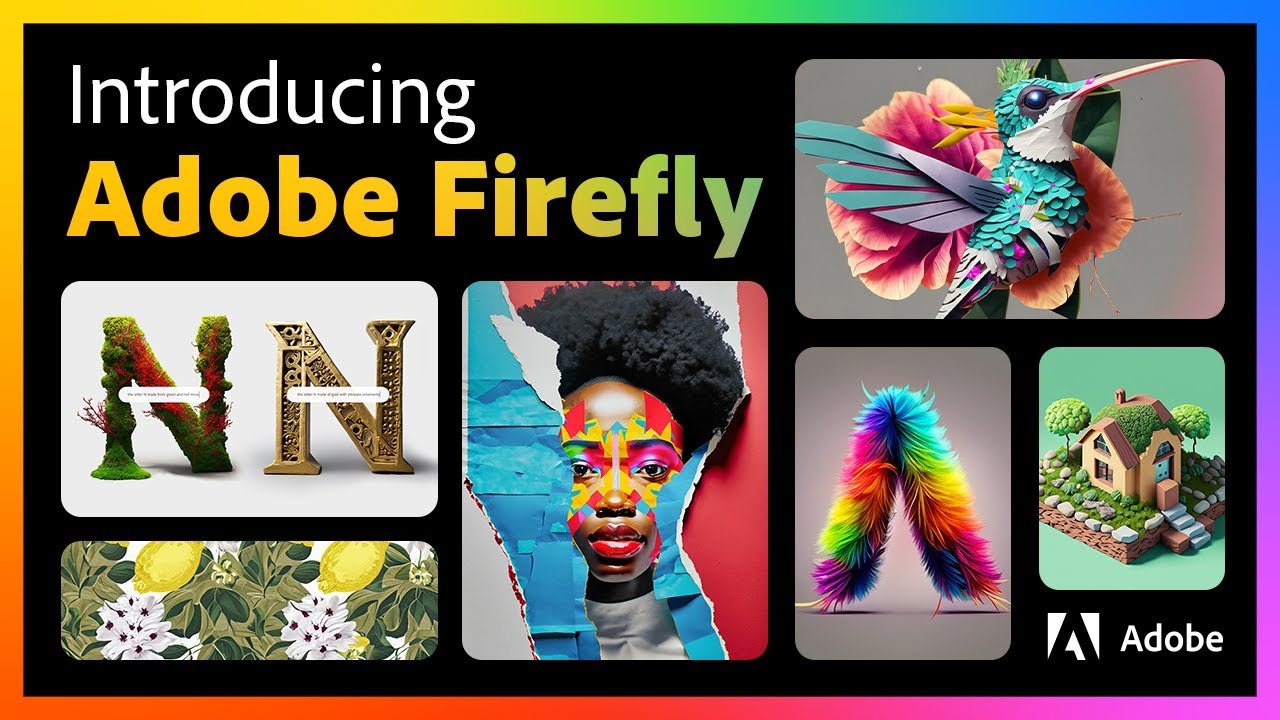 Watch the demoOfficial walkthrough
Adobe Firefly is Commercially safe AI image generator from Adobe. Freemium, with paid plans from $9.99/mo.
About Adobe Firefly
Adobe Firefly is Adobe's family of generative AI models for images, vector art, video, audio and 3D, trained on Adobe Stock and licensed content so output is marketed as commercially safe. The Firefly web app provides Text to Image, Generative Fill, Generative Expand, Text Effects, Generate Vector and Generate Video, and the same models power features inside Photoshop, Illustrator, Premiere Pro, Express and Acrobat. Firefly Custom Models let enterprises fine-tune on their own brand assets, while Firefly Services exposes APIs for bulk content production. Adobe also integrates third-party models from OpenAI, Google and Runway directly inside the Firefly app, letting users pick between them. The product is targeted at designers, marketers, agencies and enterprise creative teams who want generative AI tightly coupled to Creative Cloud and to brand and IP safety.
Adobe Firefly pros and cons
Hand-derived from the catalog data, strengths and trade-offs to weigh before signing up.
- Free tier available; paid plans from $9.99/mo
- Commercially safe training
- Photoshop integration
- Generative Fill
- No autonomous agent, handles single prompts, not multi-step workflows
- Competition is strong in this space, see Playground AI and PixMind for comparison
3 plans from Adobe Firefly
Pulled from Adobe Firefly’s public pricing page. Prices may change, verify on the vendor’s site before purchasing.
Free
Try Firefly free
- 25 generative credits/month
- Watermarked outputs
- Text to image
- Generative fill
Firefly Standard
Most popular for creators
- 2,000 generative credits/month
- Commercial use
- Premium feature access
- No watermarks
Firefly Pro
For heavy users
- 7,000 generative credits/month
- Commercial use
- All Firefly features
- Priority generation
Adobe Firefly vs Image Generation
Side-by-side with the top 3 other image generation in this category.
| Picked from the top tools in image generation | Commercially safe AI image generator from Adobe. | Free-tier image generator with a friendly editor. | Multi-model AI workspace for image and video generation, reference workflows, and natural-language editing. | Keep characters consistent across AI-generated images and videos using reusable references. |
|---|---|---|---|---|
| STARTS AT | $9.99/mo | $15/mo | , | , |
| PRICING | Freemium | Freemium | Freemium | Paid |
| AI AGENT | No | No | No | No |
| EDITOR'S PICK | No | No | No | No |
| KEY FEATURES | Commercially safe training, Photoshop integration, Generative Fill | Playground v3, Canvas editor, Mix images | 25+ image and video models in one workspace (Imagen 4, Veo 3, PixVerse), Text-to-image and text-to-video generation, Multi-reference workflows for consistent results | Reusable character references for face, features, and style, Consistent characters across images and videos, Scene-to-scene continuity for series and campaigns |
| BEST FOR | Photo editing, Vector generation, Marketing assets | Marketing visuals, Social graphics, Product mockups | Generating marketing images and short videos from a prompt, Comparing multiple AI models on the same brief, Producing reference-guided visuals that stay on-style | Producing a comic or series with a consistent lead character, Keeping a brand mascot or model on-style across ads, Generating product or lifestyle shots with the same person |
| WORKS WITH | #image#adobe#commercial | #image#editor#free | , | , |
Adobe Firefly, frequently asked questions
What is Adobe Firefly?
Is Adobe Firefly free to use?
How much does Adobe Firefly cost?
What are the key features of Adobe Firefly?
What can Adobe Firefly be used for?
What are the best alternatives to Adobe Firefly?
Is Adobe Firefly better than Playground AI?
Is Adobe Firefly worth it?
What are the pros and cons of Adobe Firefly?
Related tools
Free-tier image generator with a friendly editor.
Multi-model AI workspace for image and video generation, reference workflows, and natural-language editing.
Keep characters consistent across AI-generated images and videos using reusable references.
OpenAI's image model integrated into ChatGPT.